
Risorse Video
Scopri FactoryTalk® Optix™ con video tutorial e webinar dedicati
In questa sezione troverai video-tutorial pratici e webinar approfonditi su FactoryTalk® Optix™, l’innovativa piattaforma software perfetta per realizzare HMI moderne e responsive. Scopri come sfruttare al meglio le sue enormi funzionalità per sviluppare Gateway IIoT, applicazioni Edge Computing e soluzioni avanzate per l’Industry 4.0.
Visita la pagina dedicata, per maggiori informazioni sulla piattaforma:

FT Optix Essentials - video tutorial
I video tutorial dei nostri esperti, per scoprire le funzionalità di base di FactoryTalk® Optix™.

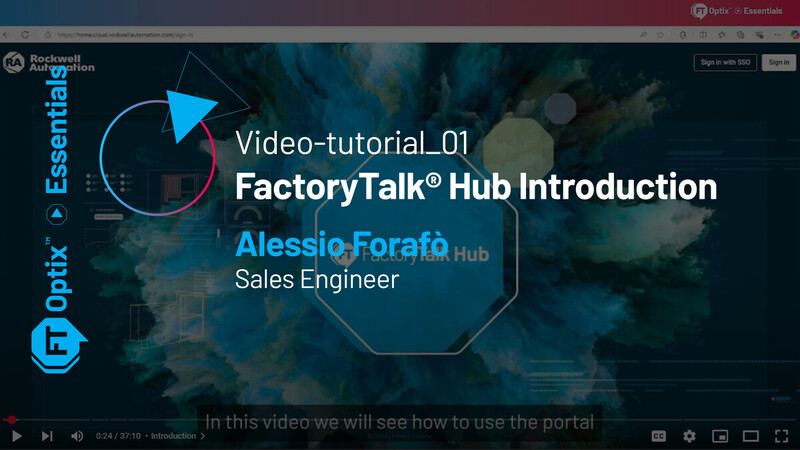
Video-tutorial_FactoryTalk® Hub Introduction
Guarda il video-tutorial qui > FactoryTalk® Hub Introduction
Video-tutorial about FactoryTalk® Hub and the access to FactoryTalk® Optix.
Alessio Forafò / Sales Engineer
Video duration: 36 min
FT Optix Essentials - FactoryTalk® Hub Introduction:
FactoryTalk® Hub link and log-in, Help and Getting Started with FactoryTalk® Hub, ACCESS, Releases, Entitlements, Runtime Sizing, Device Sizing and Resources.
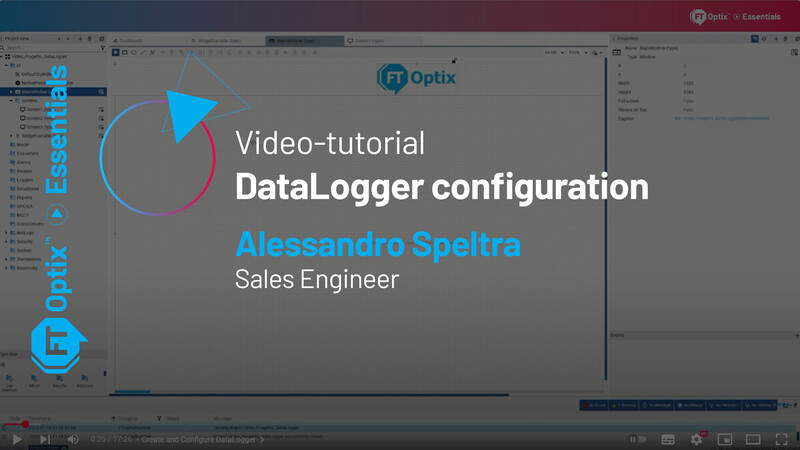
Video-tutorial_DataLogger Configuration
Guarda il video-tutorial qui > DataLogger Configuration
Video-tutorial about DataLogger Configuration.
Alessandro Speltra / Sales Engineer
Video duration: 17 min
FT Optix Essentials - DataLogger configuration with Integration and Data Saving on Embedded Database:
FT Optix Essentials - Datalogger Configuration, Create and Configure DataLogger, Displaying DataLogger on Grid, DataLogger Sampling Types, Exporting DataLogger to CSV file.
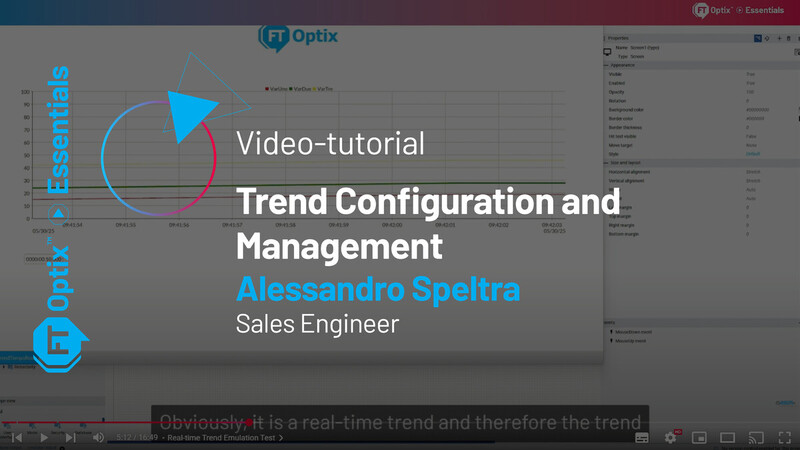
Video-tutorial_Trend Configuration and Management
Guarda il video-tutorial qui > Trend Configuration and Management
Video-tutorial about Trend Configuration and Management.
Alessandro Speltra / Sales Engineer
Video duration: 16 min
FT Optix Essentials - Trend Configuration and Management:
Trend Configuration and Management introduction, Real-time Trend Input 01:09 Real-time Trend Configuration, Real-time Trend Emulation Test, Creation of Y-Axes on the Real-time Trend, Trend Configuration with Data Logger, Trend Emulation Test with Data Logger, Trend Configuration via Database, Trend emulation Test via Database.
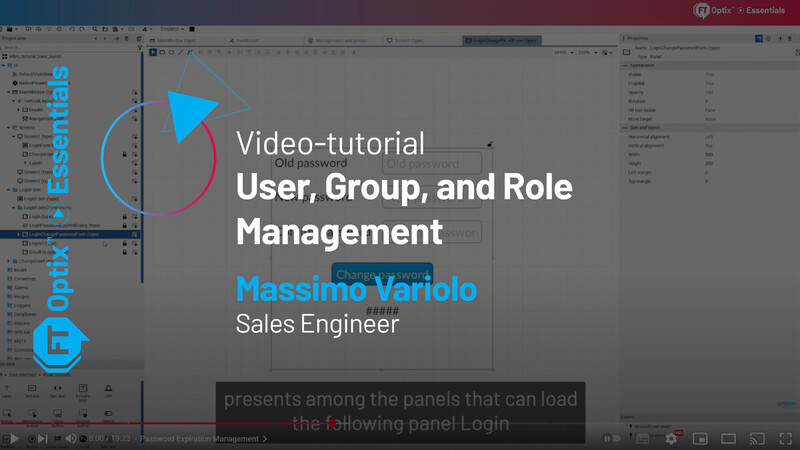
Video-tutorial_Users, groups, and Role Management
Guarda il video-tutorial qui > User, Groups, and Role Management
Video-tutorial about User, groups and role Management.
Massimo Variolo / Sales Engineer
Video duration: 19 min
FT Optix Essentials - User, Group, and Role Management:
Authentication Mode, "Manage Users and Groups" Wizard, Creating the Login Interface, Session Information, Password Expiration Management, Managing Permissions Based on User Groups (or Roles), Runtime User Management, Security Folder Retentivity, "Upload from Device" Functionality: Apply Runtime-Modified Users to the Project.
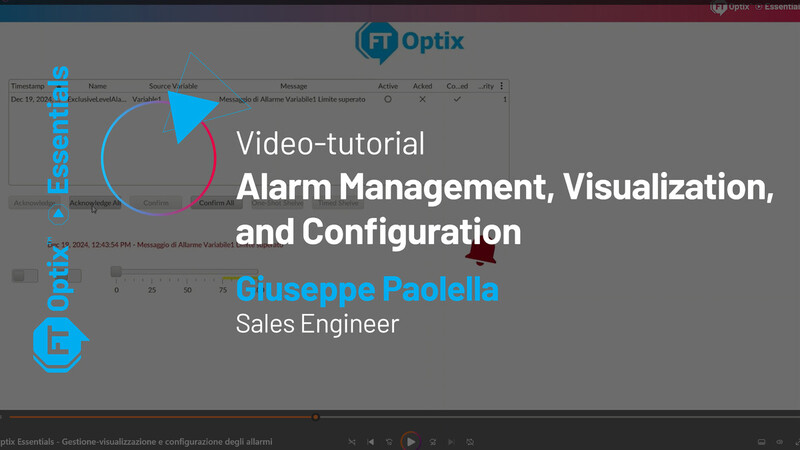
Video-tutorial_Alarm Management, Visualization, and Configuration
Guarda il video-tutorial qui > Alarm Management, Visualization, and Configuration
Video-tutorial about Alarm Management, Visualization, and Configuration.
Giuseppe Paolella / Sales Engineer
Video duration: 27 min
FT Optix Essentials - Alarm Management, Visualization, and Configuration:
Alarm Configuration, Inserting and Customizing Alarm Management Widgets, Management and Visualization of Historical Alarms via Event Logger and Embedded Database, Runtime Netlogic for Exporting Alarms to CSV File, Design-Time Netlogic for Importing/Exporting CSV Files to Create/Configure Alarms
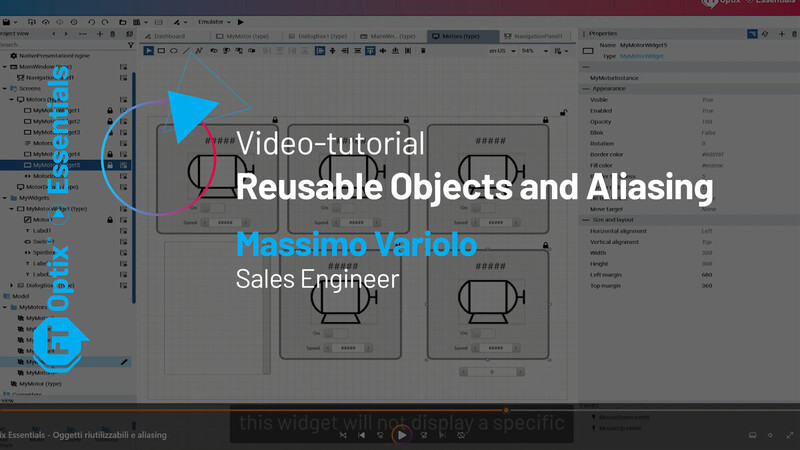
Video-tutorial_Reusable Objects and Aliasing
Guarda il video-tutorial qui > Reusable Objects and Aliasing
Video-tutorial about Reusable Objects and Aliasing
Massimo Variolo / Sales Engineer
Video duration: 17 min
FT Optix Essentials - Reusable Objects and Aliasing
Definition of Alias, First Example: Creating a motor widget with aliasing and instantiating it multiple times, once for each motor, Second Example: Selecting a motor object from a motor list and populating a motor widget with its details, Third Example: Displaying the details of the i-th motor object in a motor widget using an index, Fourth Example: Displaying the details of a motor object in a dialog box using aliasing, Fifth Example: Displaying the details of a motor object on a screen using aliasing.
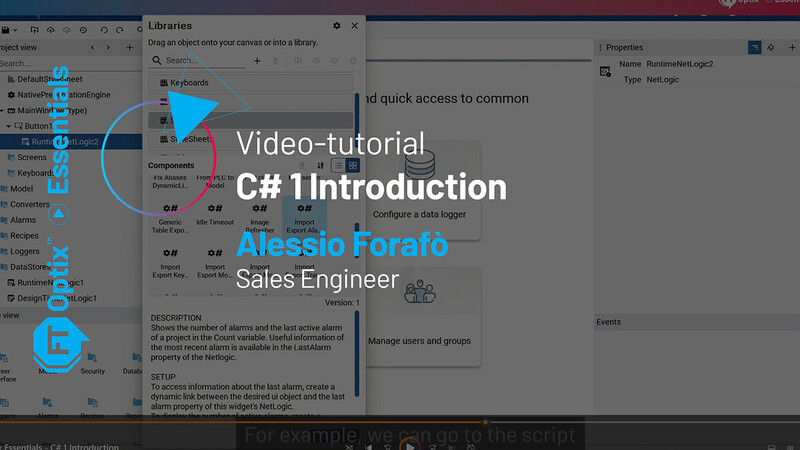
Video-tutorial_C# 1 Introduction
Guarda il video-tutorial qui > C#1 Introduction
Video-tutorial about C#1 Introduction.
Alessio Forafò / Sales Engineer
Video duration: 6 min
FT Optix Essentials - C# 1 Introduction:
Extending FT Optix functionality through NetLogic, NetLogic Runtime, NetLogic Design-Time, Tools for editing NetLogic, NetLogic available in the library, Documentation for editing NetLogic.
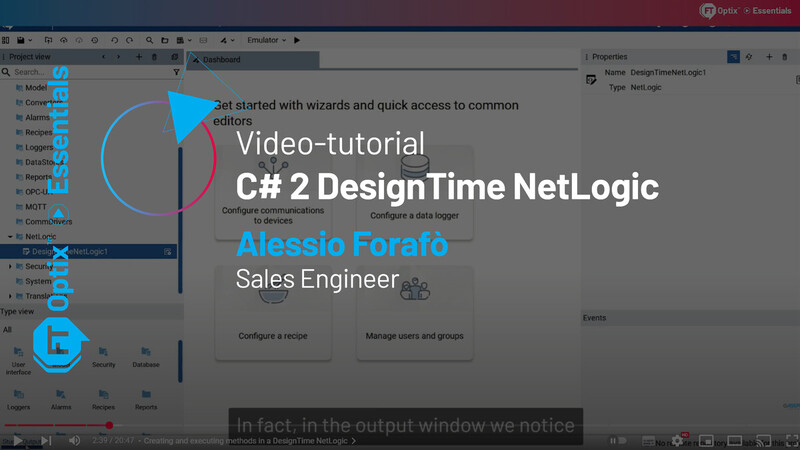
Video-tutorial_C# 2 DesignTime NetLogic
Guarda il video-tutorial qui > C#2 DesignTime NetLogic
Video-tutorial about C# 2 DesignTime NetLogic.
Alessio Forafò / Sales Engineer
Video duration: 20 min
FT Optix Essentials - C# 2 DesignTime Netlogic:
DesignTime NetLogic, Editing DesignTime NetLogic and Visual Studio project structure, Creating and executing methods in a DesignTime NetLogic, Example of writing messages to log files (Write Log Message API), Example of variable creation (MakeVariable API), Creating variables in a DesignTime NetLogic used as script parameters, Handling controls in a DesignTime NetLogic, Debugging a DesignTime NetLogic.
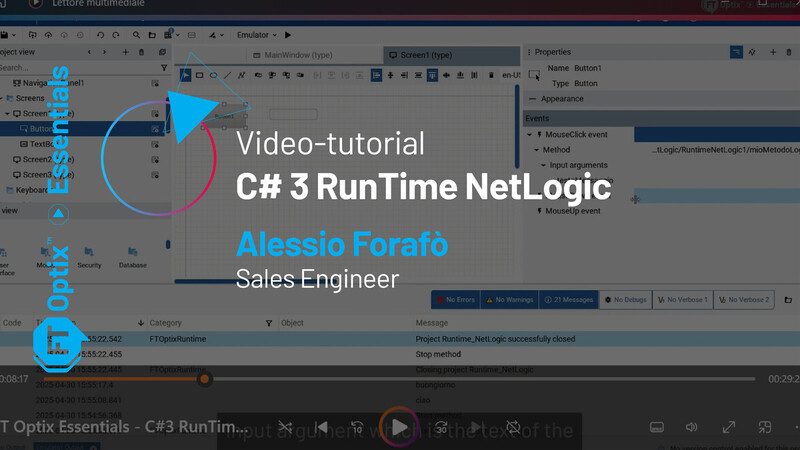
Video-tutorial_C# 3 RunTime NetLogic
Guarda il video-tutorial qui > C#3 RunTime NetLogic
Video-tutorial about C# 3 RunTime NetLogic.
Alessio Forafò / Sales Engineer
Video duration: 37 min
FT Optix Essentials - C# 3 RunTime Netlogic:
Runtime NetLogic, Creating and Editing a Runtime NetLogic, Methods of a Runtime NetLogic: Start and Stop, Creating Additional Methods and Calling Them from FT Optix Studio, Parameterizing C# Methods, Asynchronous Tasks: Periodic Task, Subscribing to a Variable Change from C# Code, Debugging a Runtime NetLogic, Interaction with Existing UI Objects: Changing the Color of a Rectangle, Creating Graphic Objects at Runtime: Creating a Rectangle, Library Scripts and External Resources.
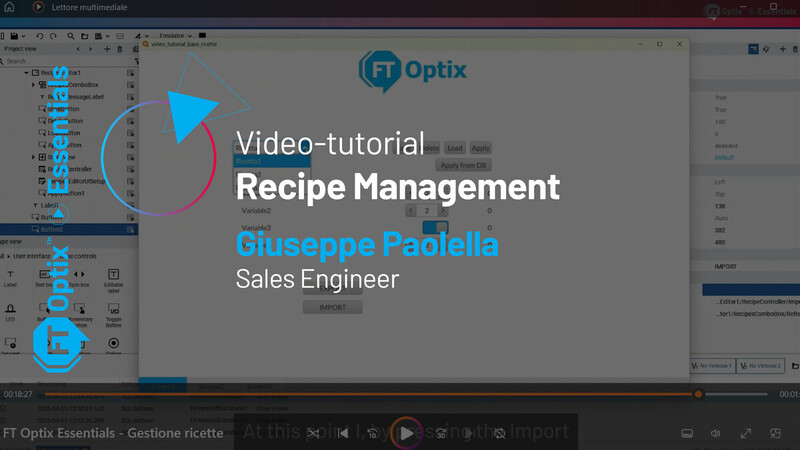
Video-tutorial_Recipe Management
Guarda il video-tutorial qui > Recipe Management
Video-tutorial about Recipe Management.
Giuseppe Paolella / Sales Engineer
Video duration: 20 min
FT Optix Essentials - Recipe Management:
Creation and configuration of Recipe and Database, Insertion, Configuration, and Setup of the Recipe Editor Widget, Emulation test of the main recipe management functions, Explanation and use of the Edit Model, Use of the Netlogic RecipeController and its methods, Adding and Testing the ApplyFromDB Method, Displaying the name of the last recipe applied in the controller, Import and Export of recipes, Displaying recipe data in a grid.
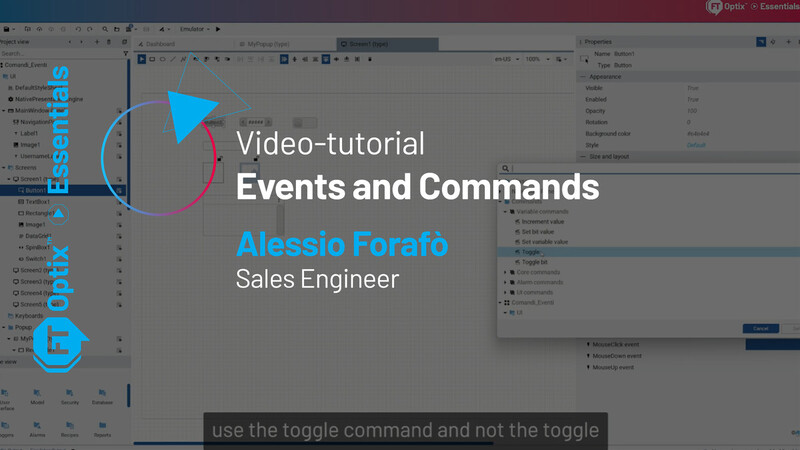
Video-tutorial_Events and Commands
Guarda il video-tutorial qui > Events and Commands
Video-tutorial about Events and commands of FactoryTalk® Optix.
Alessio Forafò / Sales Engineer
Video duration: 20 min
FT Optix Essentials - Events and Commands:
FT Optix Essentials - Events and Commands, Native Events, Commands triggered by events, Custom events, Events linked to session commands (opening a DialogBox and user login)
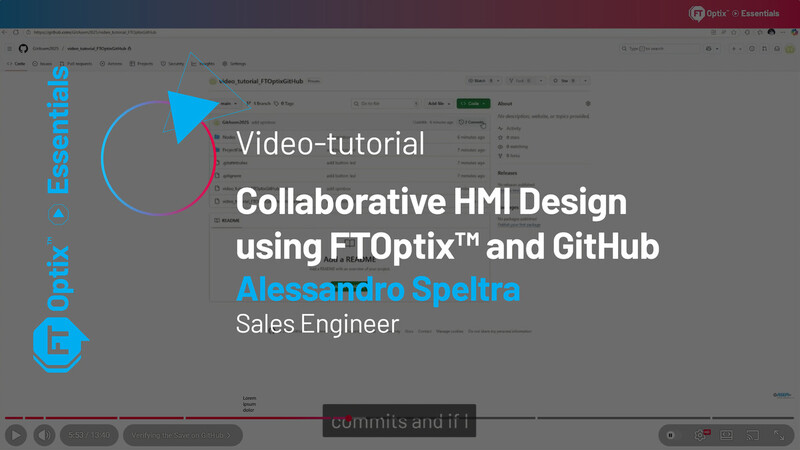
Video-tutorial_Collaborative HMI Design using FTOptix™ and GitHub
Guarda il video-tutorial qui > Collaborative HMI Design using FTOptix™ and GitHub
Video-tutorial about Collaborative HMI Design using FTOptix™ and GitHub
Alessandro Speltra / Sales Engineer
Video duration: 13 min
FT Optix Essentials - Collaborative HMI Design using FTOptix™ and GitHub
Introduction, Creating a GitHub User, Configuring the GitHub User in FTOptix, Creating a Project from FTOptix Studio and Committing to GitHub, Verifying the Save on GitHub, Simulating Collaborative Project Development, Handling Project Modification Conflicts through GitHub, Uploading the Merged Project
Video-tutorial_FT Optix Localization
Guarda il video-tutorial qui > FT Optix Localization
Video-tutorial about Localization of FactoryTalk® Optix.
Massimo Variolo / Sales Engineer
Video duration: 22 min
FT Optix Essentials - Localization
Introduction, Changing localization and changing language, Importing and exporting dictionaries, Starting the application with a specific localization, Localizing date, time, decimals, and thousands separators, Changing the localization of measurement units at runtime, Mapping the measurement unit system, Custom measurement units
Video-tutorial_FT Optix How to update the project if the PLC tags have changed
Guarda il video-tutorial qui > How to update the project if the PLC tags have changed
Video-tutorial about How to update the project if the PLC tags have changed.
Massimo Variolo / Sales Engineer
Video duration: 12 min
FT Optix Essentials - How to update the project if the PLC tags have changed
Intro, Example: Tag import, Clone the tags in the Model folde, Use the library script "From PLC To Model", Advantages of using "From PLC To Model", The field tags are modified: how to update the project?, Use the library script "Import export model CSV", Outro.
Video-tutorial_Drivers
Guarda il video-tutorial qui > Drivers
Video-tutorial about Drivers.
Gabriele Orsani / Sales Engineer
Video duration: 24 min
FT Optix Essentials - Drivers
Modbus Example, Manually create a tag and test communication, Widget - Station Connection Status, Widget - Import Export Modbus tag, Widget - Backup Restore tag values, Widget Reminder: From PLC to Model, Import Export Model Variables, RA Ethernet/IP Example, Tag Importer: Basic usage, Communication test, Notes about Backplane and convert ACD to L5X, Tag Importer: Update tag usage.
Video-tutorial_OPC UA Server
Guarda il video-tutorial qui > OPC UA Server
Video-tutorial about OPC UA Server of FactoryTalk® Optix.
Alessio Forafò / Sales Engineer
Video duration: 17 min
FT Optix Essentials - OPC UA Server:
OPC UA Server configuration, OPC UA Server start and automatic generation of self-signed certificate, Connection with OPC UA client (UA Expert), Events exposed in OPC UA, Methods exposed in OPC UA, Configuration of nodes to be published in OPC UA
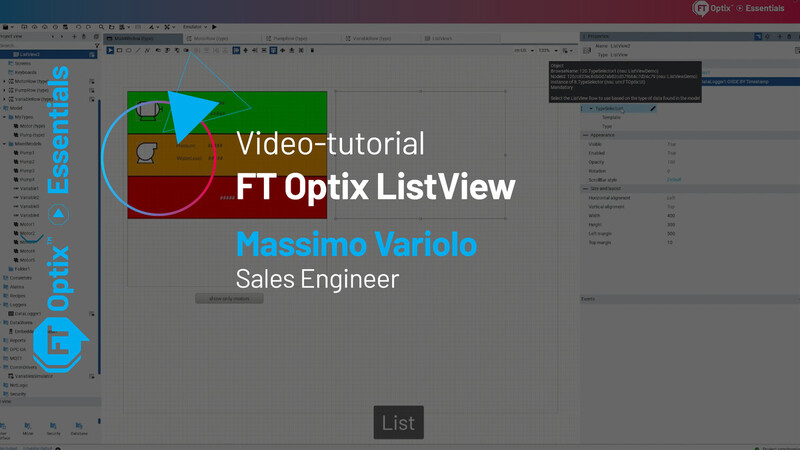
Video-tutorial_FT Optix ListView
Guarda il video-tutorial qui > FT Optix ListView
Video-tutorial about FT Optix ListView
Massimo Variolo / Sales Engineer
Video duration: 24 min
FT Optix Essentials - FT Optix ListView:
ListView Introduction, Example of displaying object instances and variables, Filtering the list of items displayed in a ListView, Example of displaying data from a database table Example of alarm history display, Example of active alarm list display, Example of recipe
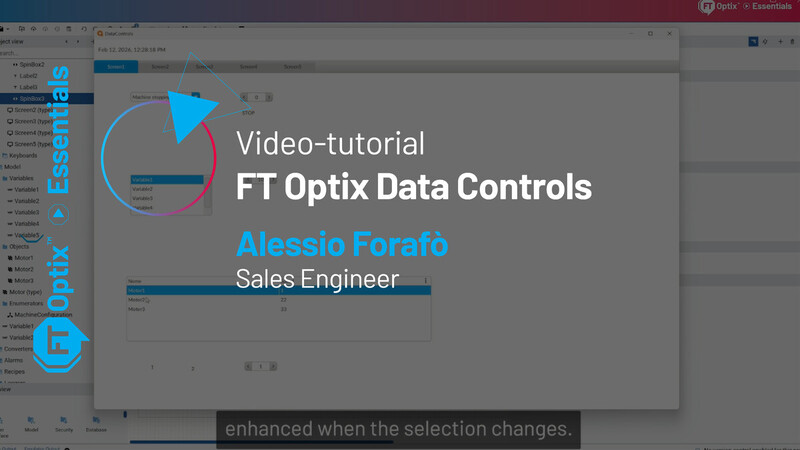
Video-tutorial_FT Optix Data Controls
Guarda il video-tutorial qui > FT Optix Data Controls
Video-tutorial about Data controls.
Alessio Forafò / Sales Engineer
Video duration: 25 min
FT Optix Essentials - FT Optix Data Controls:
Introduction to Data Controls object types, Combo box bound to an enumerated variable, List box bound to a project folder, Data grid bound to a list of objects, Queries in Data Controls, Data grid bound to a database table, List box bound to a database table, Examples of Data Controls objects available in the library, Pie chart bound to a project folder, Histogram chart bound to a database table.
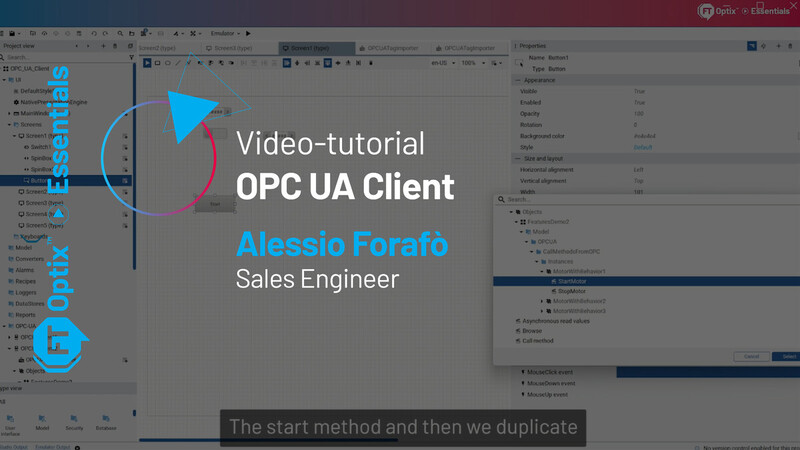
Video-tutorial_OPC UA Client
Guarda il video-tutorial qui > OPC UA Client
Video-tutorial about OPC UA Client.
Alessio Forafò / Sales Engineer
Video duration: 22 min
FT Optix Essentials - OPC UA Client:
OPC UA Client for tag exchange with a PLC, Invoking OPC UA methods exposed by a server, Subscribing to events exposed by an OPC UA server, Accessing database tables via OPC UA, Importing and synchronizing OPC UA nodes at runtime
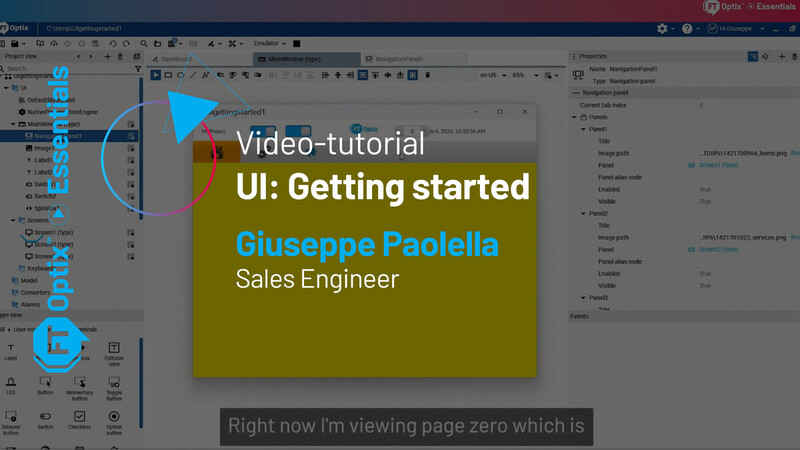
Video-tutorial_UI: Getting started
Guarda il video-tutorial qui > UI: Getting started
Video-tutorial about UI: Getting started
Giuseppe Paolella / Sales Engineer
Video duration: 20 min
FT Optix Essentials - UI: Getting started:
Creating a Navigation Menu with the Navigation Panel object, Page Layout with Header, NavigationPanel Properties, Using the CurrentTabIndex property of the NavigationPanel, Creating a Page Layout and Navigation Menu with the PanelLoader object, Page Typing and Navigation Button Configuration
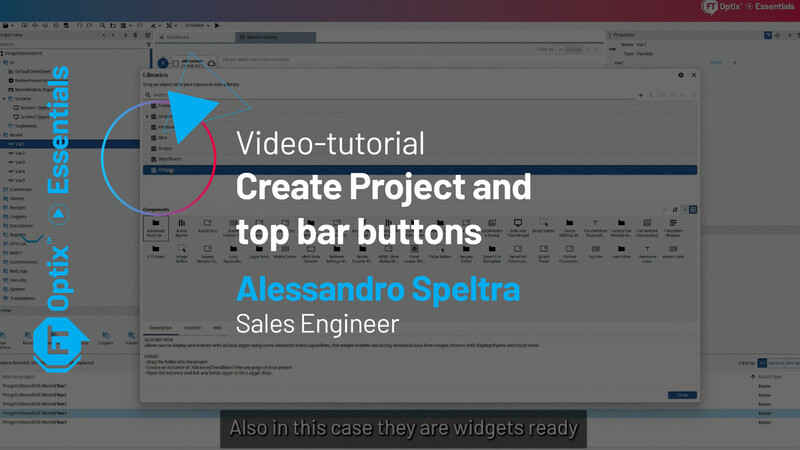
Video-tutorial_Create Project and top bar buttons
Guarda il video-tutorial qui > Create Project and top bar buttons
Video-tutorial about Create Project and top bar buttons
Alessandro Speltra / Sales Engineer
Video duration: 34 min
FT Optix Essentials - Create Project and top bar buttons:
Open Project, Create New Project with Various Options, Project Button, Save, Save As, Save with Template, Save and Commit, Export Project, Export Application, Version Control Buttons, Undo / Redo Buttons, Search and Replace, Browse Project Files, Open Library and Manage Library, Open Net Solution, Open Wizards Dashboard, Find Broken Dynamic Links, Run on Emulator, FactoryTalk Optix Studio Options, Help, Release Notes, About, Windows Log, Project View Tab, Type View, Properties and Events Panel
Webinar
Scoprite i nostri incontri online dedicati all’approfondimento di temi specifici legati a FactoryTalk® Optix™, il nostro innovativo software di visualizzazione. Partecipate ai nostri webinar per interagire con esperti, porre domande e accedere a contenuti esclusivi.
Qui di seguito troverete l’elenco completo dei nostri webinar, con registrazioni e documenti tecnici sviluppati live durante ogni sessione.
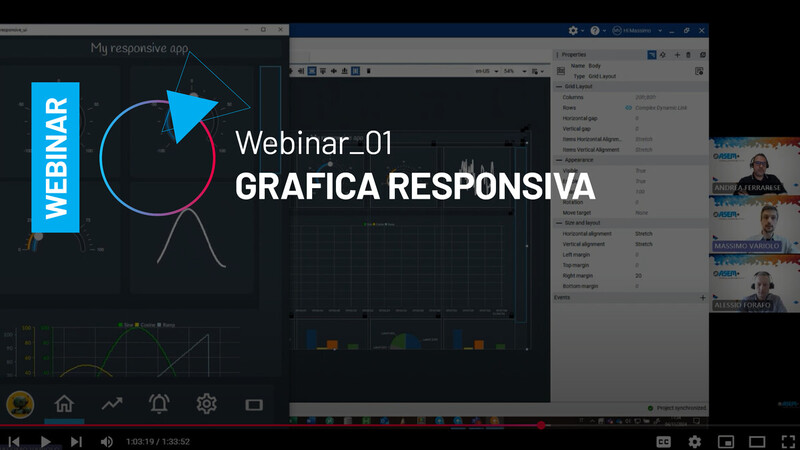
GRAFICA RESPONSIVA - Webinar del 04/11/2024
Guarda la registrazione del webinar qui > GRAFICA RESPONSIVA - Webinar del 04/11/2024
Tema: Grafica responsiva
Relatori: Andrea Ferrarese, Alessio Forafò, Massimo Variolo, Giuseppe Paolella
Obiettivo: Conoscere gli strumenti di FactoryTalk® Optix™ per adattare l'applicazione a diverse risoluzioni e formati
Benefici:
- Aumento dell’usabilità e miglioramento dell’esperienza utente
Scarica qui materiali e informazioni sul webinar:

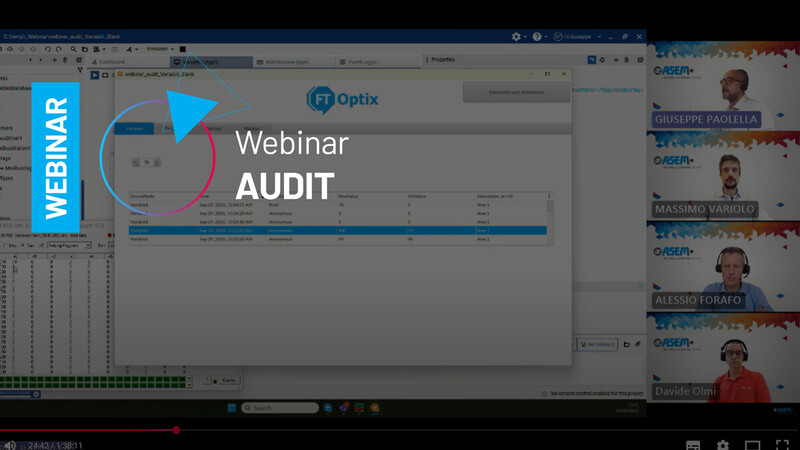
AUDIT - Webinar del 29/11/2025
Guarda la registrazione del webinar qui > AUDIT - Webinar 29/10/2025
Tema: Audit
Relatori: Alessio Forafò, Massimo Variolo, Davide Olmi, Giuseppe Paolella.
Obiettivo: Scopri come utilizzare le funzionalità di audit di FactoryTalk® Optix™ per migliorare tracciabilità, sicurezza e controllo in ambienti industriali.
Benefici:
- Audit delle variabili e dei workflow di firma: come monitorare i cambiamenti e garantire la conformità.
- Tracciamento degli utenti e degli eventi di sessione: login, logout e modifiche ai gruppi.
- Audit dei metodi e delle ricette: configurazione avanzata dell’event logger e monitoraggio delle applicazioni.
Scarica qui materiali e informazioni sul webinar:
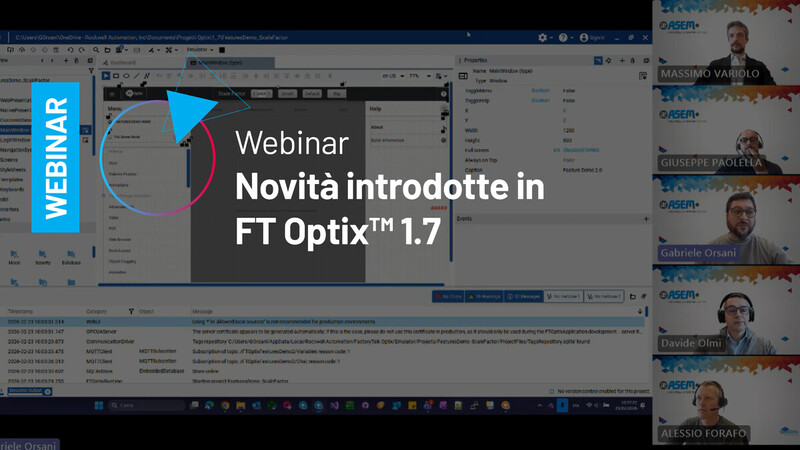
Novità introdotte in FT Optix 1.7 - Webinar del 23/02/2026
Guarda la registrazione del webinar qui > Novità introdotte in FT Optix 1.7 - webinar del 23/02/2026
Tema: Novità introdotte in FT Optix 1.7
Relatori: Alessio Forafò, Massimo Variolo, Davide Olmi, Giuseppe Paolella, Gabriele Orsani
Obiettivo: Panoramica delle nuove funzionalità introdotte in FactoryTalk Optix v1.7
Benefici:
- Nuovo gestore ricette: scalabilità illimitata, introduzione di nuovi metodi e gestione ottimizzata dei metadata per una tracciabilità superiore.
- Oggetto grafico ListView: massima flessibilità nella visualizzazione e rappresentazione dinamica dei dati di progetto all'interno dell'interfaccia HMI.
- Potenziamento delle funzionalità di scalatura e nuovi strumenti avanzati di debug per accelerare i tempi di sviluppo e messa in servizio.
- Non finisce qui: la versione 1.7 include numerosi altri aggiornamenti su connettività, performance e user experience. Scopriamoli insieme!
Scarica qui materiali e informazioni sul webinar:
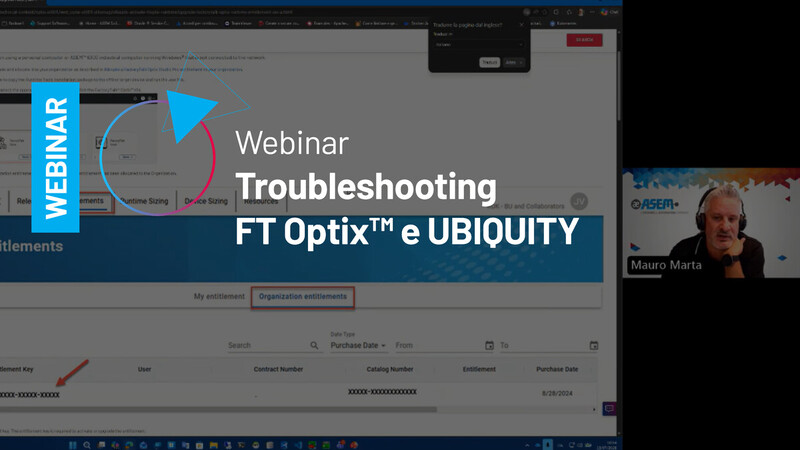
TROUBLESHOOTING FT OPTIX - UBIQUITY - Webinar del 13/07/2026
Guarda la registrazione del webinar qui > TROUBLESHOOTING FT OPTIX - UBIQUITY - Webinar 13/07/2026
Tema: Troubleshooting FT Optix & UBIQUITY
Relatori: Mauro Marta, Gabriele Pesenti Bolò, Matteo Mariani.
Obiettivo: Acquisire le competenze fondamentali per affrontare in autonomia le principali criticità operative.
Benefici:
- Individuare rapidamente anomalie e inefficienze
- Analizzare e risolvere problemi in modo strutturato
- Migliorare le performance dei tuoi progetti
- Gestire correttamente licenze e accessi
Scarica qui materiali e informazioni sul webinar:
Area riservata
Accedi alla tua area riservata per scaricare i contenuti protetti a te dedicati. Se non hai ancora un account ASEM, registrati qui.


